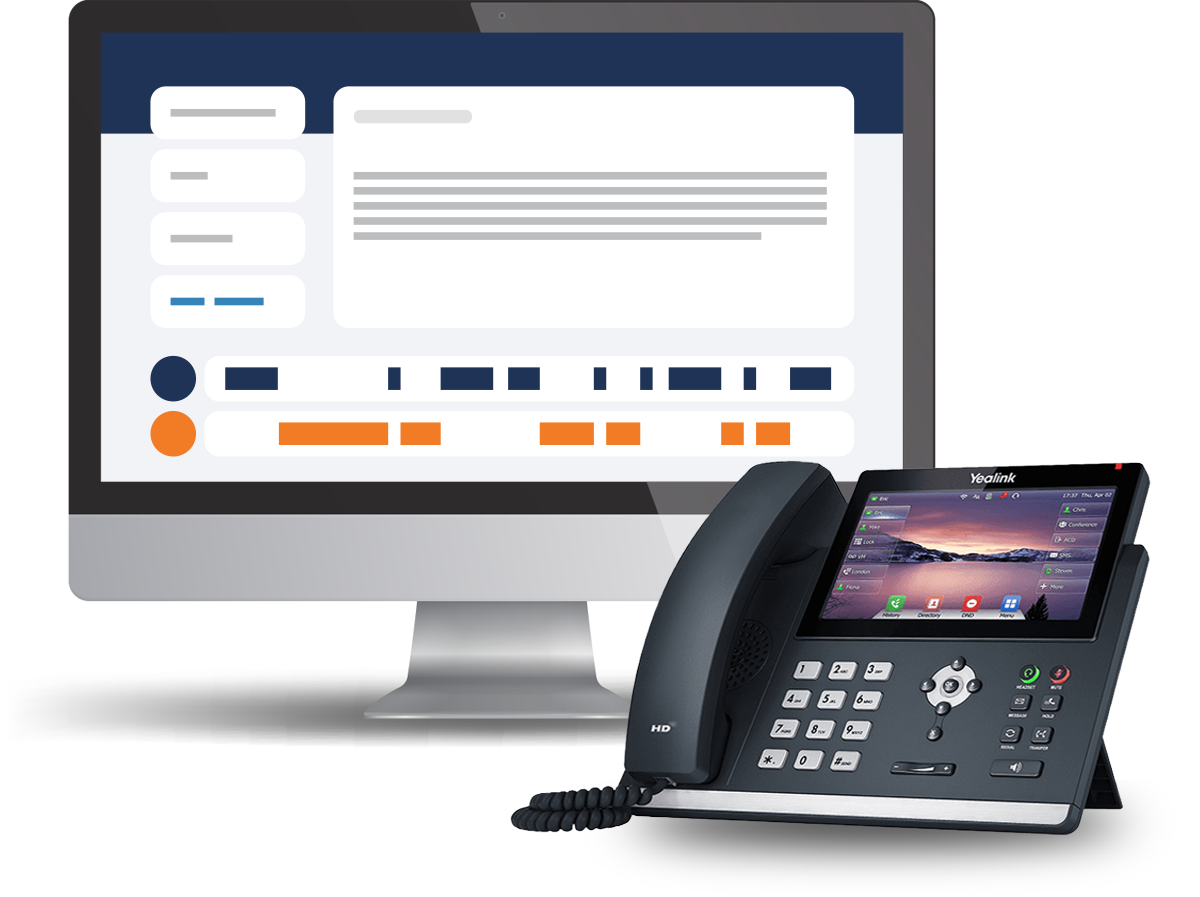
Designed for service advisors and front-counter users, this session focuses on the daily OktoRocket workflow. We will cover Inbox task management, customer messages, call tasks, appointment visibility, customer lookup, repair order review, call log review, directory use, basic profile and support options, and advisor-accessible reporting where applicable.
Introduces administrators and site managers to the core OktoRocket platform. This session covers platform navigation, the dashboard, Inbox overview, Calendar, Campaigns overview, Customers, Repair Orders, Calls, Directory, Reports, Reviews, Users, Sites, and general platform visibility. This is the best starting point for users who help manage the shop's OktoRocket setup.
Builds on Part 1 with a deeper look at setup, configuration, and admin controls. This session covers user management, site information, business hours and holiday setup, automated text replies, scheduler settings, integrations, shop management mappings, RO/DVI settings, communication settings, canned responses, reviews setup, and other admin-level tools.
Prerequisite: Admin Training Part 1
Focuses on customer engagement and retention tools inside OktoRocket. This session covers Campaigns, contact lists, SMS, email and voice campaign workflows, campaign scheduling, campaign performance, on-demand campaigns, vCards, canned responses, scheduler and customer communication flow, reviews, and CRM-related reporting.
Designed for owners, managers, and performance-focused users, this session covers the Shop Analytics dashboard, goal setup, key performance metrics, shop performance numbers, employee metrics, rollover numbers, overhead, profit and loss, marketing metrics, reporting, metric comparisons, parts margins, Data View, and RocketGauge.